

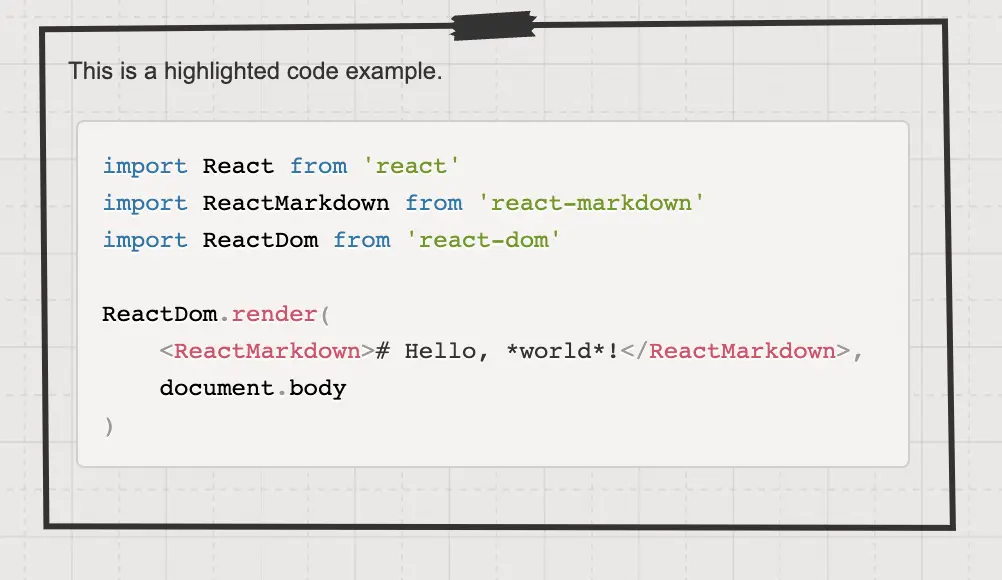
Привет! Как ты уже успел заметить недавно я успешно интегрировал highlight.js в Laravel проект своего блога для автоматической подсветки синтаксиса кода на страницах блога. Это решение идеально мне подходит, так как основной задачей было сделать публикации с кодом более читабельными.
Установка и базовая настройка
Установку осуществялем при помощи npm или yarn:
npm install highlight.js

// или

yarn add highlight.js
Подключение в основном JavaScript файле:
// app.js

import hljs from 'highlight.js';
import 'highlight.js/styles/github-dark.css';

// Автоматическая подсветка всех блоков кода
hljs.highlightAll();
Основные возможности highlight.js
1. Поддержка 190+ языков программирования
// PHP пример
public function getUser($id) {
    return User::find($id);
}
// JavaScript пример
const fetchData = async () => {
try {
const response = await fetch('/api/data');
return await response.json();
} catch (error) {
console.error('Error:', error);
}
};2. 100+ тем оформления
Можно легко переключаться между темами:
// Темная тема для ночного режима
import 'highlight.js/styles/github-dark.css';

// Светлая тема для дневного режима
import 'highlight.js/styles/github.css';
3. Автоматическое определение языка
Система сама определяет язык программирования:
# Python код будет распознан автоматически
def fibonacci(n):
    if n <= 1:
        return n
    return fibonacci(n-1) + fibonacci(n-2)
Преимущества:
Улучшенная читаемость - код становится структурированным и понятным
Профессиональный вид - посты выглядят как в технической документации
Кроссплатформенность - работает во всех современных браузерах
Легкая кастомизация - можно создавать свои темы подсветки
Автономность - не требует серверной обработки
Практические примеры использования
Для блога о веб-разработке особенно полезны:
Frontend разработка:
<!-- HTML с подсветкой -->
<div class="container">
    <h1>Заголовок страницы</h1>
    <p>Текст параграфа</p>
</div>
Backend разработка:
-- SQL запросы тоже поддерживаются
SELECT u.name, p.title
FROM users u
JOIN posts p ON u.id = p.user_id
WHERE p.published = 1;
Интеграция заняла всего несколько минут, но значительно улучшила качество публикаций. Теперь читатели могут легко воспринимать кодовые примеры без дополнительных усилий.
Для тех, кто только начинает вести свой блог о программировании, рекомендую начать именно с highlight.js - это простое, но очень эффективное решение для подсветки синтаксиса.
Наверняка кто-то из Вас так же пользуется альтернативными решениями, буду признателен если поделитесь личным опытом и расскажите о нем в комментариях.
Официальная документация проекта доступна по ссылке https://highlightjs.readthedocs.io/en/latest/
Опыт применения 0
Попробовали решение в своей задаче? Расскажите, что получилось.
Станьте первым, кто прокомментирует эту запись
Комментировать